
Business Automation
One system for the whole business.
Our ERP runs your finance, stock, sales and projects on Microsoft Dynamics 365 Business Central. Every department works from the same live numbers, and we shape the system to the way your business already runs.
Every department, on the same numbers.
Each part of the ERP does one team's work and passes it straight to the next. A sale reserves the stock, the delivery raises the invoice and the payment reaches the books, so nothing is typed twice.
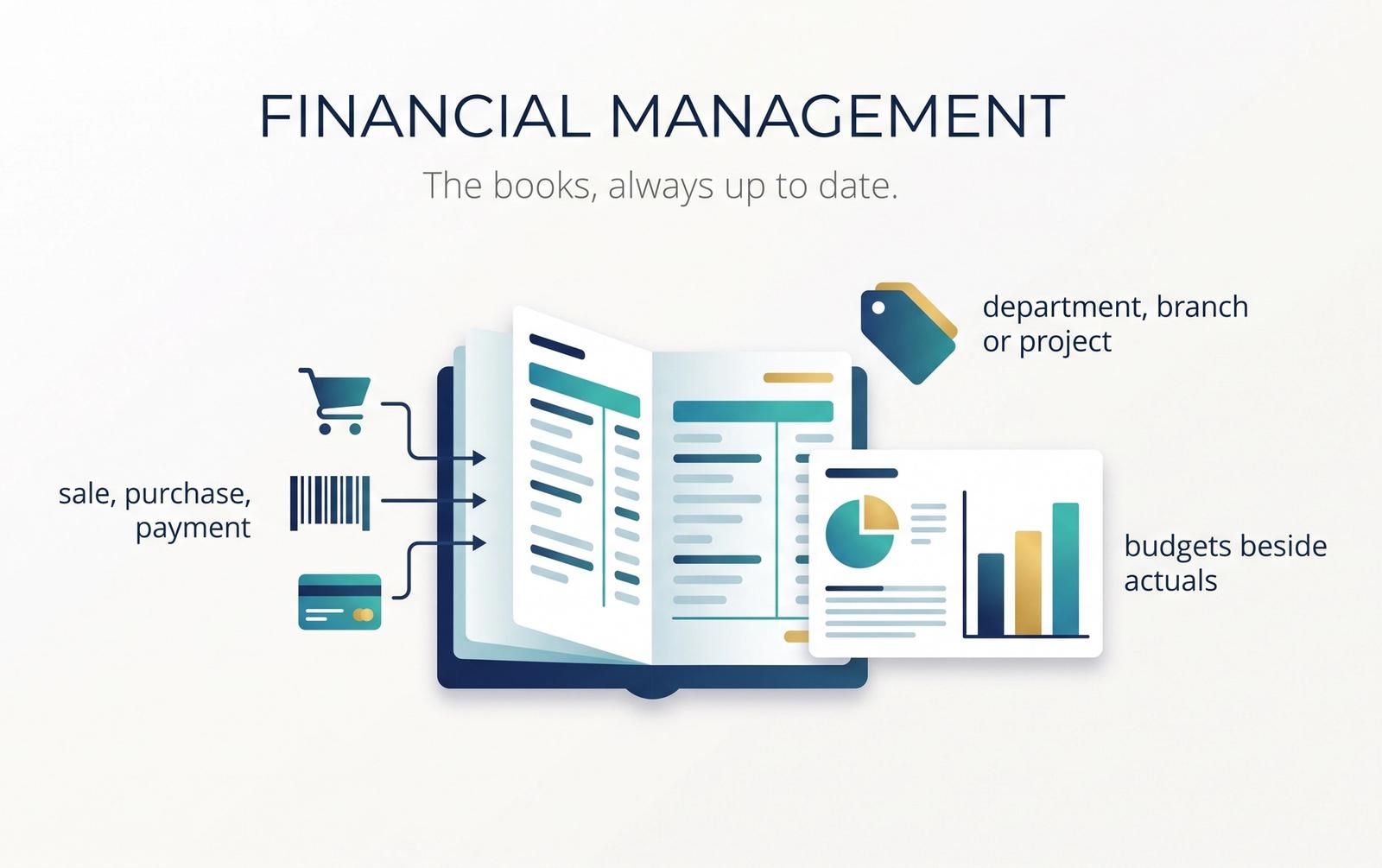
Financial Management
The books, always up to date.
Every sale, purchase and payment posts to the general ledger as it happens, so the accounts are never waiting for someone to catch up. Budgets sit beside the actuals, and each entry can be tagged by department, branch or project, so the same figures answer every question.
What you can do
- General ledger, receivables and payables in one place
- Budgets compared with actual spending as it happens
- Entries tagged by department, branch or project
- Several currencies, and fixed assets with their depreciation
Why it helps
- Month-end closed in days, not weeks
- Profit seen by branch or project without a spreadsheet
- Figures the auditors can trace to the source document
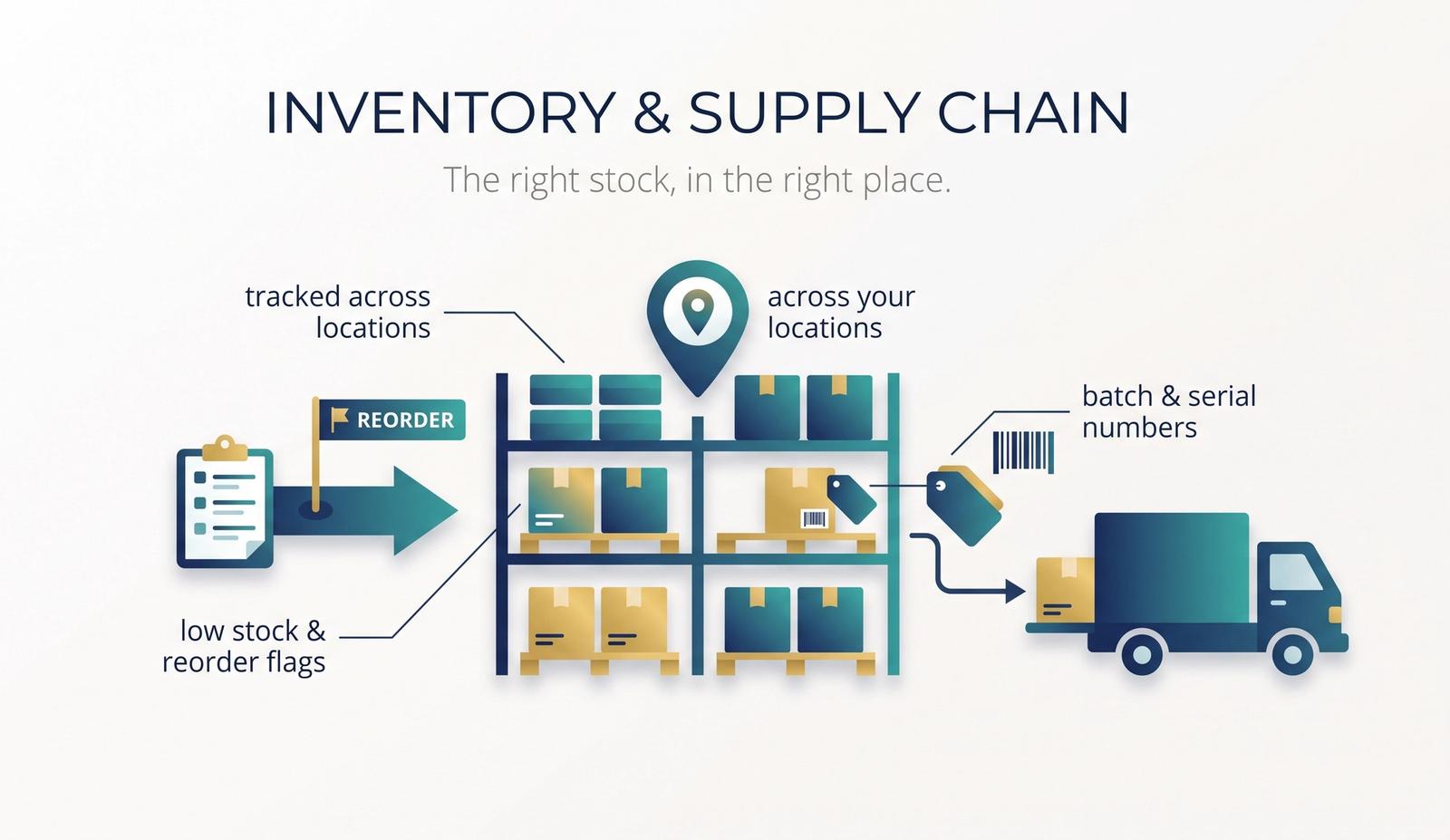
Inventory & Supply Chain
The right stock, in the right place.
Every item is tracked across your locations, from the moment it is ordered to the moment it is sold. The system flags what is running low and suggests what to reorder or move, and batch and serial numbers follow each item wherever it goes.
What you can do
- Stock levels by item and location, always current
- Reorder suggestions from sales and minimum levels
- Transfers between stores and warehouses
- Batch, serial and expiry tracking
Why it helps
- Fewer stock-outs and less dead stock
- A recall traced to every customer in minutes
- Stock value on the balance sheet that matches the shelf
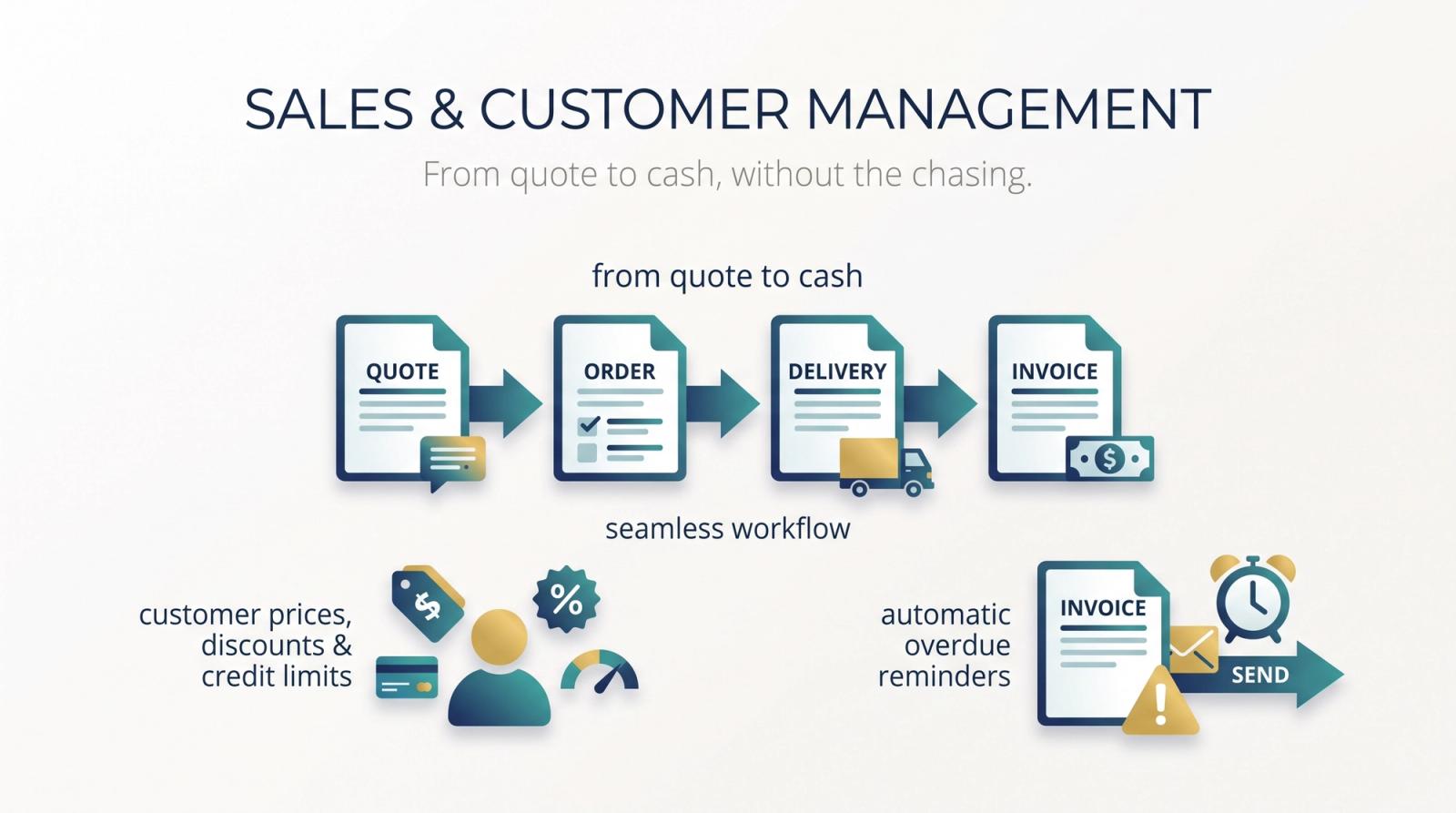
Sales & Customer Management
From quote to cash, without the chasing.
A quote becomes an order, the order a delivery and the delivery an invoice, each built from the last in a few clicks. Every customer keeps their own prices, discounts and credit limit, and overdue invoices bring reminders that go out on their own.
What you can do
- Quotes, orders, deliveries and invoices linked end to end
- Prices and discounts per customer or group
- Credit limits checked before the order is taken
- Reminders for overdue invoices
Why it helps
- Invoices sent the day the goods leave
- No sale above a customer's credit limit by mistake
- Payments collected sooner, with less chasing
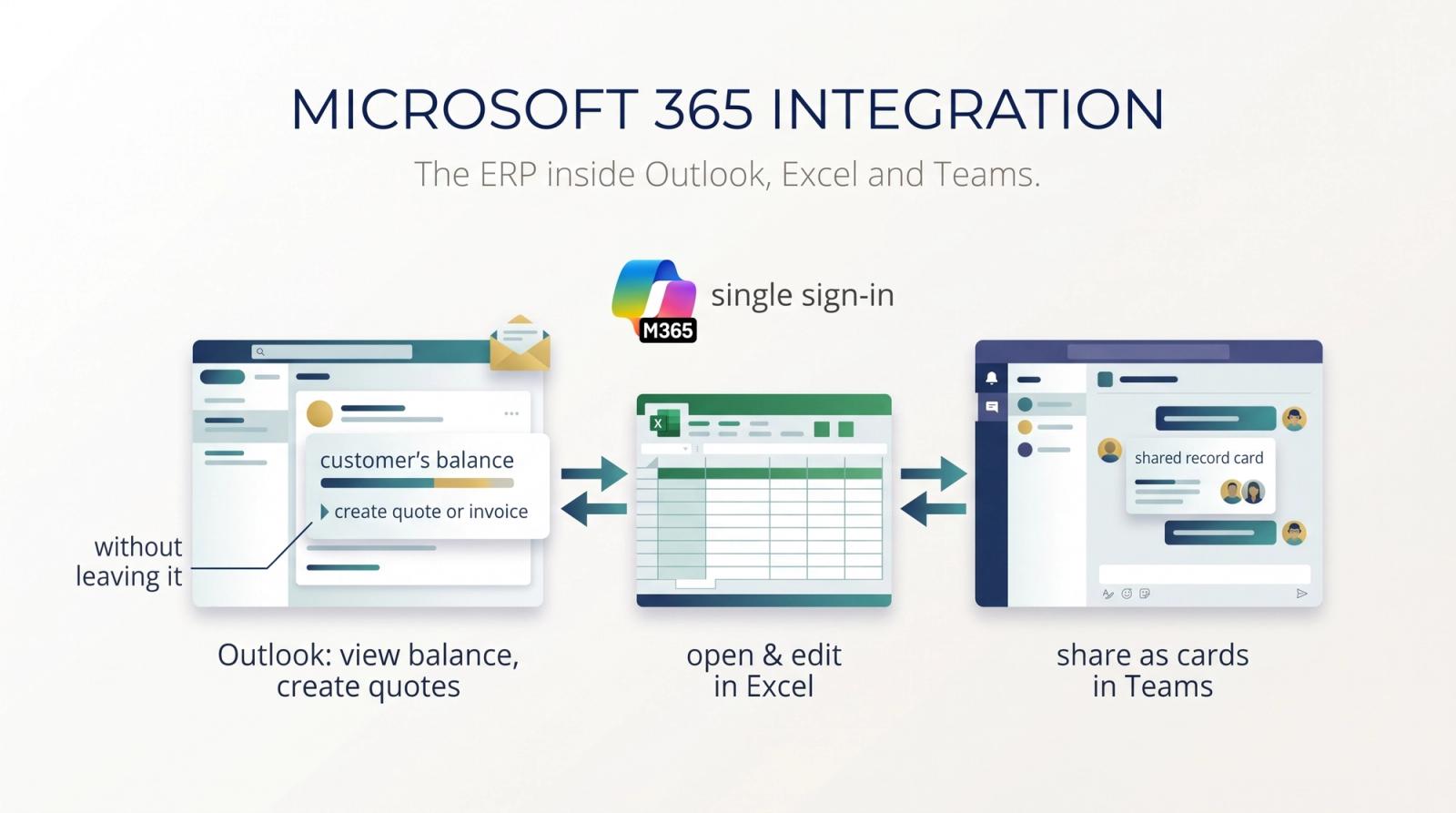
Microsoft 365 Integration
The ERP inside Outlook, Excel and Teams.
Your team signs in with the Microsoft 365 account they already use. From an email in Outlook they see the customer's balance and create a quote or invoice without leaving it; lists open in Excel, and edits there are sent back; a record shared in Teams opens as a card everyone in the chat can read.
What you can do
- Outlook: customer figures and new documents beside the email
- Excel: lists opened, edited and sent back
- Teams: records shared as cards in chat
- One sign-in with your Microsoft 365 account
Why it helps
- Finance and sales stay in the apps they know
- Price updates made in Excel in minutes, not hours
- Questions answered in the chat, not by email
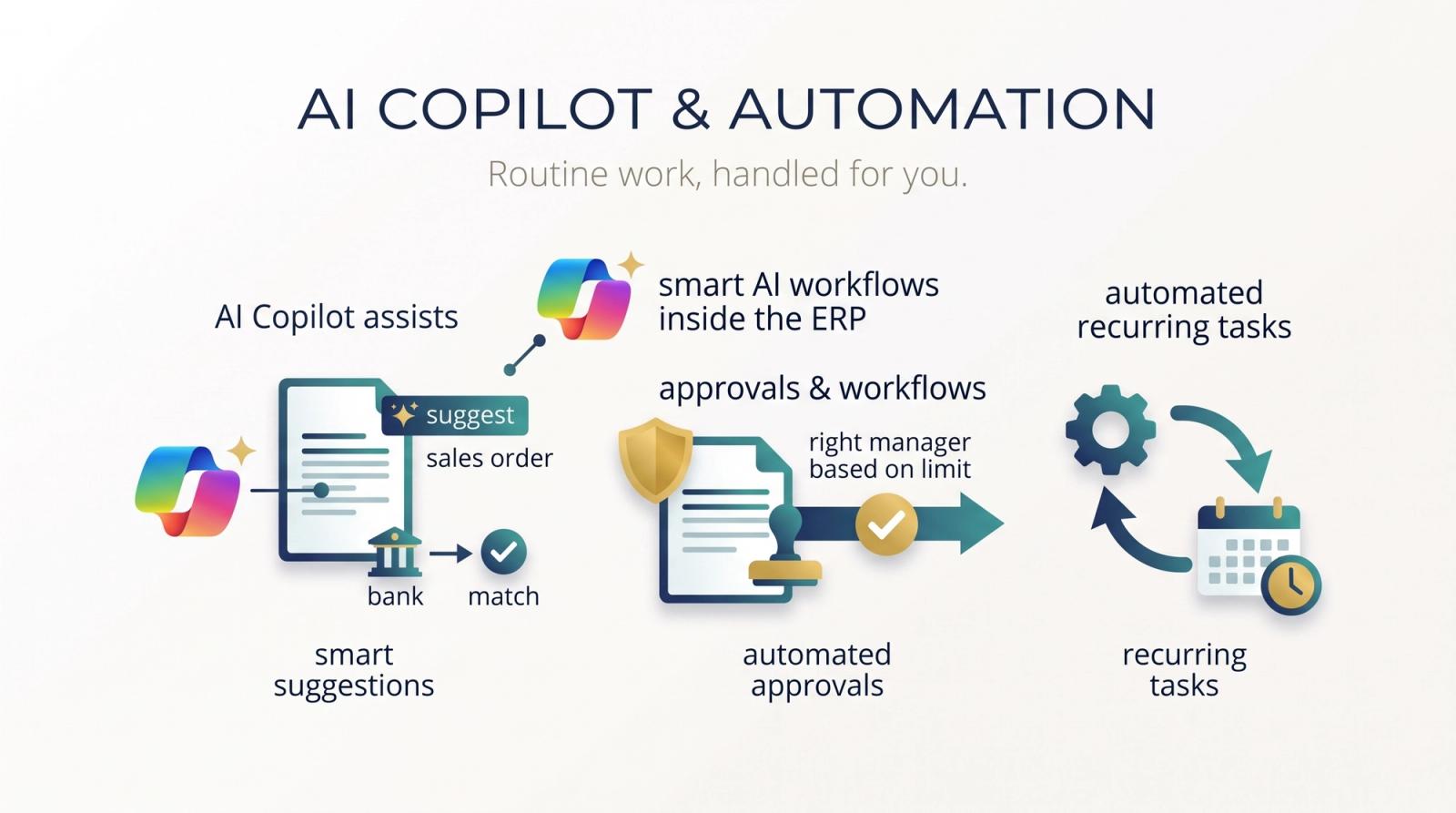
AI Copilot & Automation
Routine work, handled for you.
Copilot works inside the ERP: it suggests the lines for a sales order from past sales, proposes matches when you reconcile the bank, summarises a record and answers questions about your data. Approvals and recurring tasks run on their own, so a purchase over its limit goes to the right manager without anyone forwarding it.
What you can do
- Sales lines suggested from past orders
- Bank statement lines matched for you to confirm
- Questions about your data answered in plain language
- Approval workflows and scheduled tasks
Why it helps
- Less time on data entry and reconciliation
- Approvals that never sit unread in an inbox
- New staff find answers without asking around
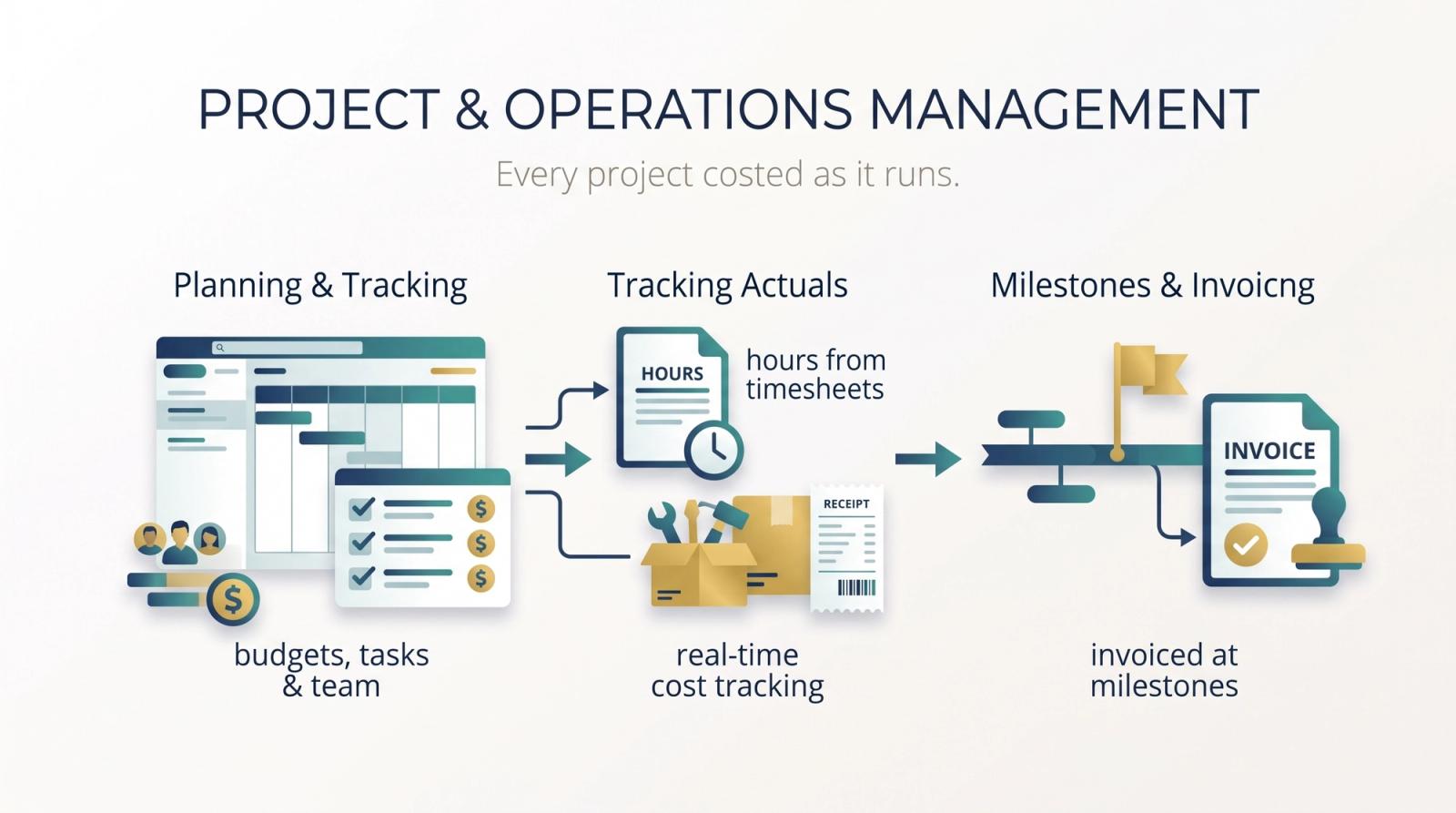
Project & Operations Management
Every project costed as it runs.
Each project has its own budget, tasks and team. Hours come in from time sheets, and materials and expenses post to the project as they are used, so you can see what it has cost and earned so far. Customers are invoiced at the milestones you agreed, or for the time and materials used.
What you can do
- Project budgets, tasks and people planned together
- Time sheets that post hours to the project
- Costs and revenue tracked against the budget
- Invoicing by milestone or by time and materials
Why it helps
- An overrun spotted mid-project, not after it
- Nothing billable left off the invoice
- People planned where they are needed next
More to offer.
Beyond the core, the ERP grows into the rest of the business as you need it.
Purchasing
Purchase orders, approvals and supplier invoices matched to what was ordered and received.
Warehousing
Bins, picking and put-away, so every item has a place and every order is picked from it.
Manufacturing
Bills of materials, production orders and capacity planning, from raw materials to finished goods.
Power BI Analytics
Ready-made reports on finance, sales and stock, and your own dashboards on the same live data.
Cash Flow Forecasting
What will come in and go out, built from open orders and invoices, with an AI forecast to add.
Multi-Company Management
Several companies in one system, with transactions between them and consolidated accounts.
Bank Reconciliation
Bank statements imported and matched to your entries, leaving only the exceptions to check.
Service Management
Service contracts, orders and technicians, with the parts and hours billed to the right customer.
CRM & Opportunity Tracking
Contacts, conversations and open opportunities, beside the customer's invoices and orders.
Your partner in technology.
No two businesses run the same way, and your ERP shouldn't make you pretend they do. We build what your business needs on top of Business Central, and we have already built for the problems the standard product leaves open.
Built around you
Your approvals, documents and reports added to the ERP, so the system follows your process instead of the other way round.
Maldives Tax Localization
Microsoft doesn't localize Business Central for the Maldives, so we built the local tax into it ourselves.
Budget Control on AppSource
Our Budget Control module, published to Microsoft AppSource for any Business Central customer to install.
Kept up to date
Our changes are built as extensions, not edits to Microsoft's code, so Business Central's own updates keep arriving.
Is it right for you?
If any of these sound familiar, one system can fix it. Tell us where the numbers get stuck and we will show you where to start.
Start from the problem
Closing the month takes weeks of reconciling spreadsheets
Financial ManagementWe run out of some items while others gather dust
Inventory & Supply ChainInvoices go out late, and payments come in later
Sales & Customer ManagementStaff copy figures from the system into email and Excel
Microsoft 365 IntegrationData entry and approvals take up most of the day
AI Copilot & AutomationWe only learn a project lost money once it has finished
Project & Operations Management
Bring these answers to the first call
Rough answers are fine. They help us see how your business runs today and what the ERP should do first.
- Which accounting system or spreadsheets do you run on today?
- How many companies, branches or warehouses would share the ERP?
- Which teams would use it, and roughly how many people?
- Which local tax or reporting rules do you need to meet?
- Is there a process the standard product might not cover, such as a special approval or report?
- Which other systems should it connect to, such as your shop, bank or payroll?
Ready to run the business on one system?
Tell us how your business runs today. We will map it onto Business Central and show you what we would build around it.