
Business Automation
Microsoft 365, set up for your whole team.
Word, Excel, PowerPoint, Outlook, Teams, SharePoint and OneDrive, with the sign-in and security that protect them. We set it up and manage it for your organisation, so your people can work securely from anywhere.
The apps your team will use every day.
Each one does a different job, and together they share the same files, the same sign-in and the same security.
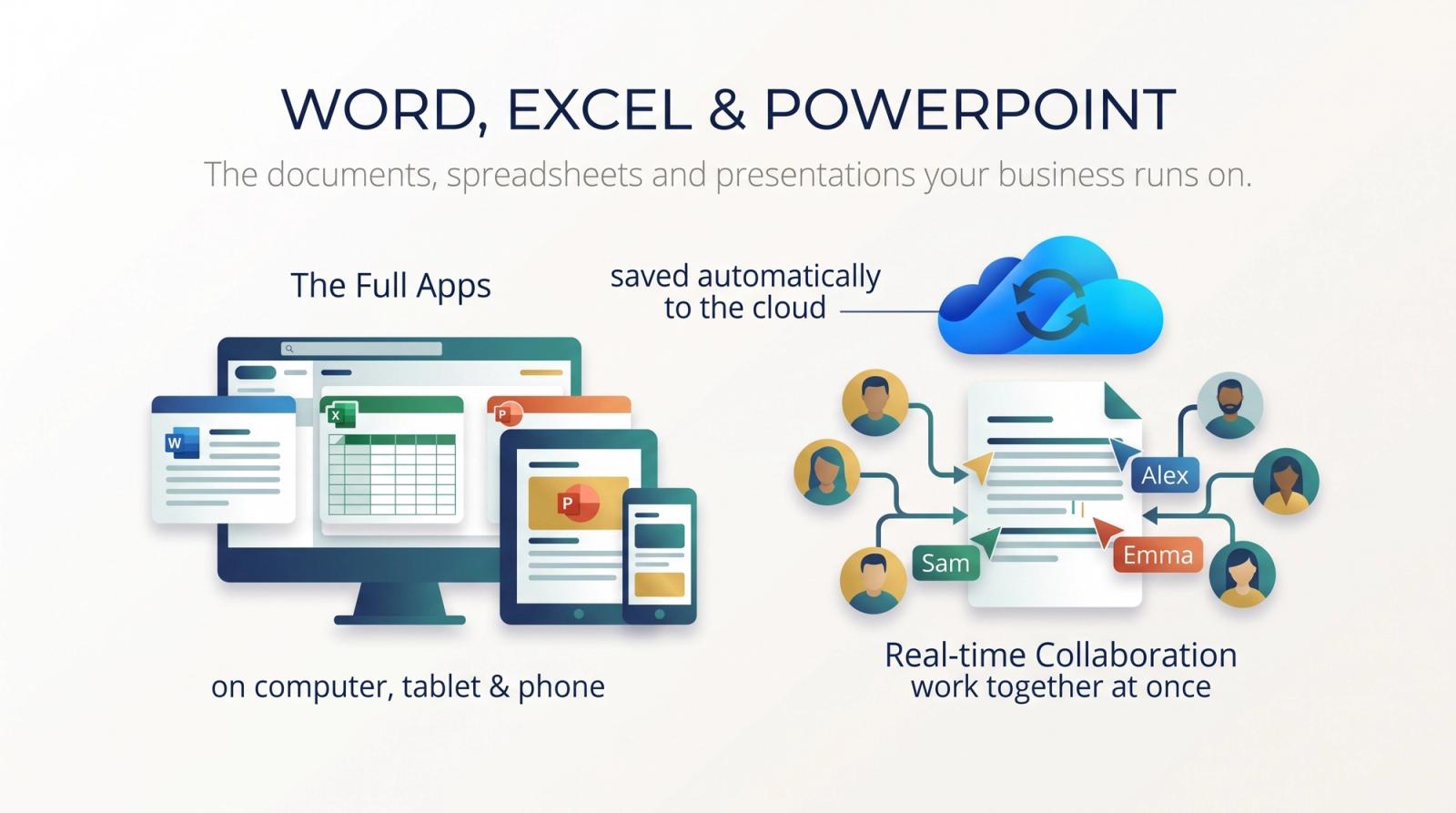
Word, Excel & PowerPoint
The documents, spreadsheets and presentations your business runs on.
The full apps on computers, tablets and phones, plus versions that run in the browser, always kept up to date. Files save to the cloud as you work, so several people can work on the same one at once.
What you can do
- Several people editing the same file at once
- Files saved to the cloud as you type
- Desktop, web and mobile versions
Why it helps
- No more emailing copies back and forth
- Everyone on the same, latest version
- Pick up the work on any device
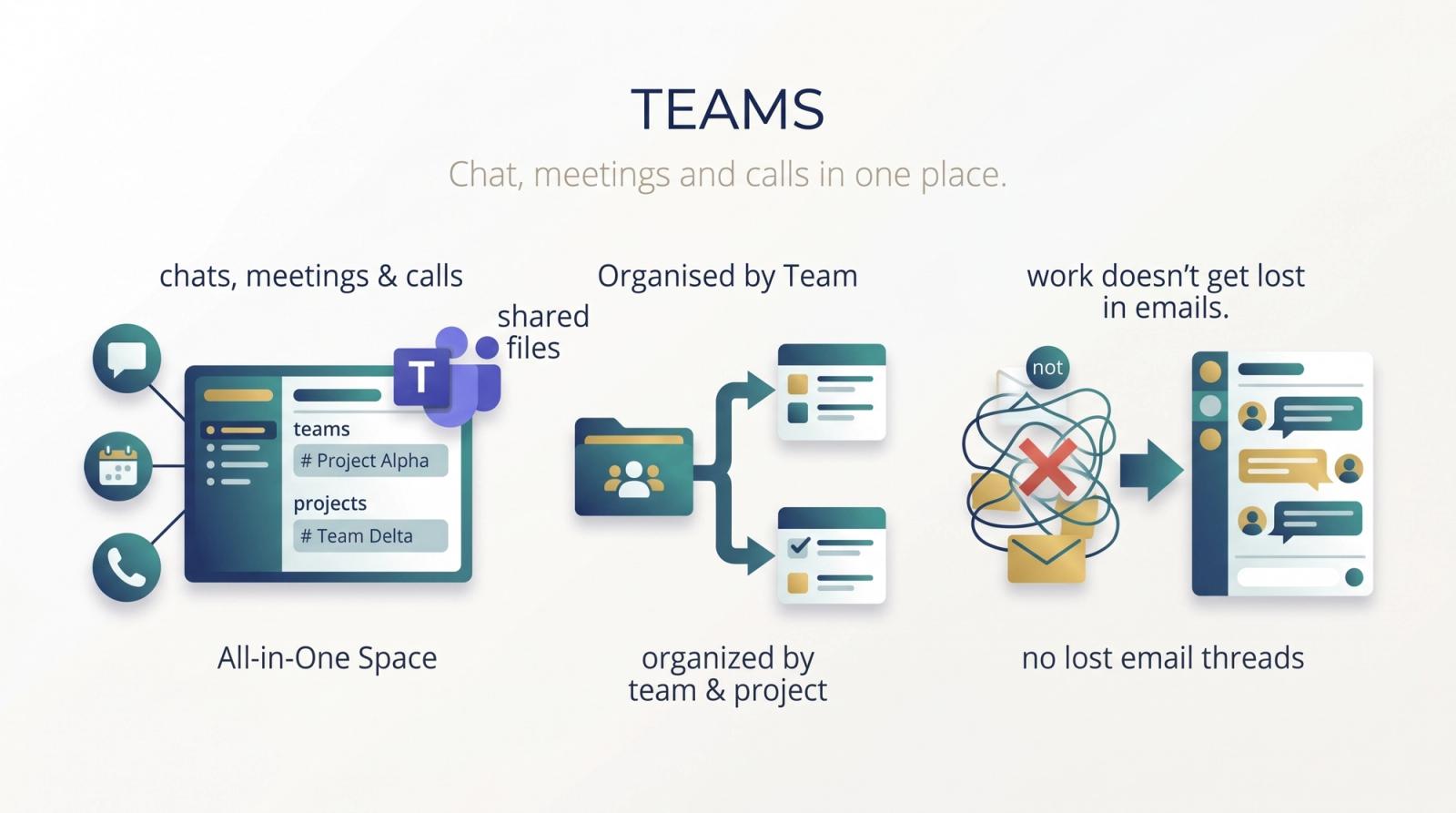
Teams
Chat, meetings and calls in one place.
Teams brings your conversations, online meetings, calls and shared files together, organised by team and project, so work doesn't get lost in long email threads.
What you can do
- Group and one-to-one chat
- Video meetings with screen sharing
- Files and notes kept with each team's conversation
Why it helps
- Fewer emails and quicker answers
- Office and remote staff work as one team
- Everything about a project in one place
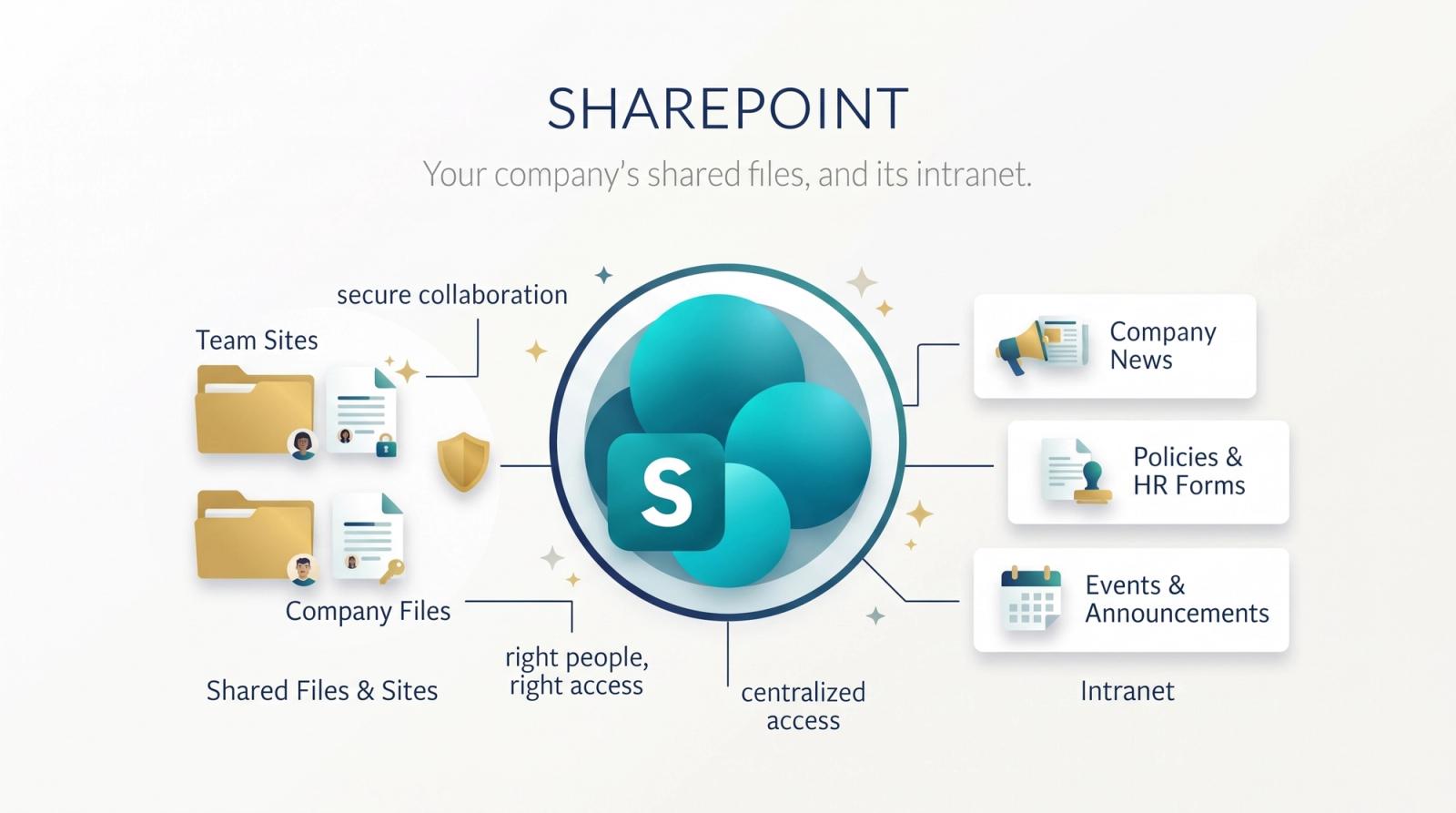
SharePoint
Your company's shared files, and its intranet.
SharePoint keeps team and company files in shared sites, with the right people given access to each. It can also be your intranet: news, policies and forms in one place.
What you can do
- Sites for each team or department
- Access set site by site
- Version history on every file
Why it helps
- One home for shared files instead of scattered drives
- New starters find what they need
- Bring back an earlier version when something goes wrong
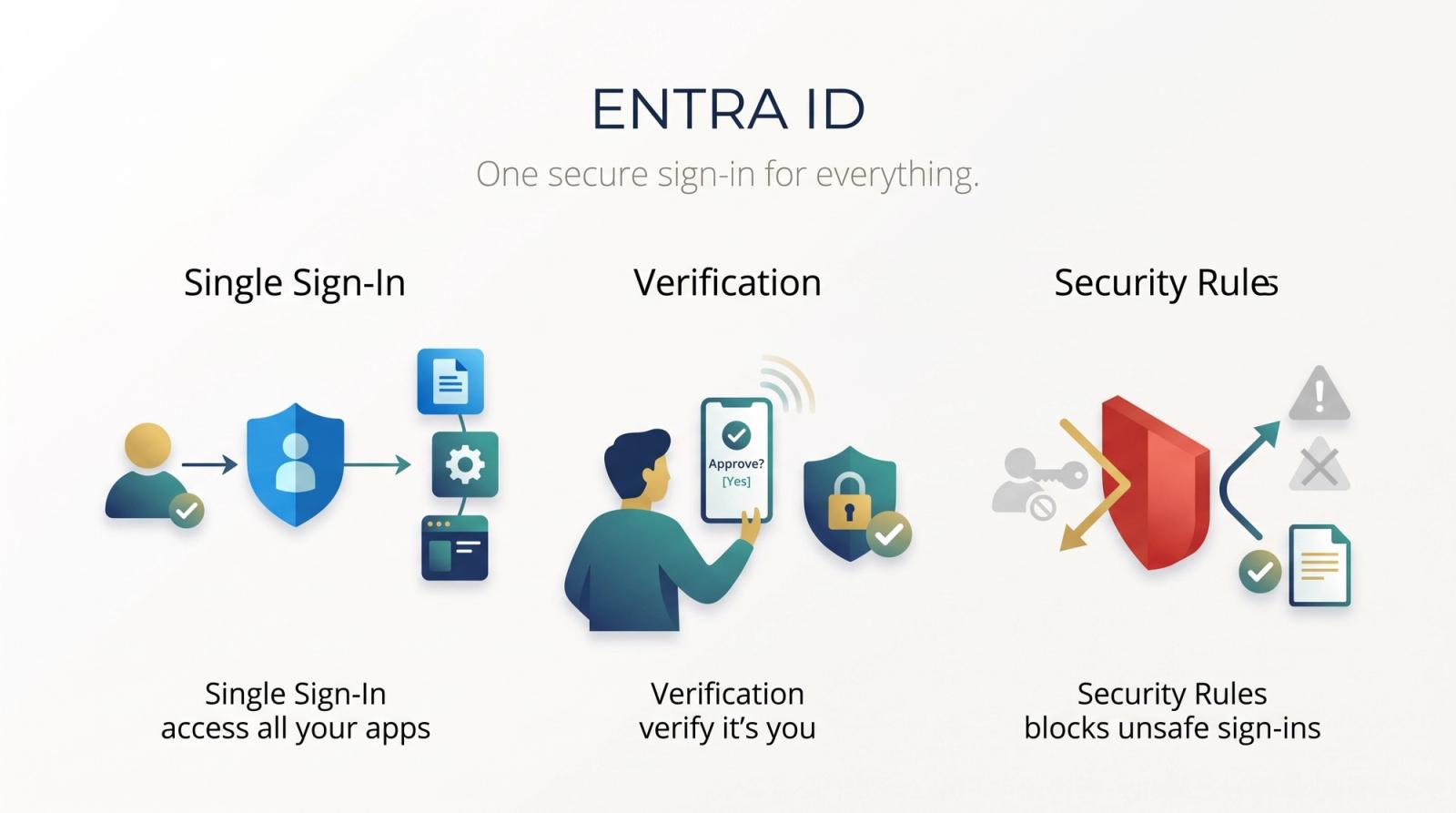
Entra ID
One secure sign-in for everything.
Entra ID is how your people sign in to Microsoft 365 and other business apps. It checks who they are, can ask for a second step such as a prompt on their phone, and can block sign-ins that don't meet your rules.
What you can do
- One account for every work app
- Sign-in with a second step
- Rules on who can sign in, from where and on which device
Why it helps
- A stolen password alone isn't enough to get in
- Leavers lose access in one step
- Fewer passwords for staff to remember
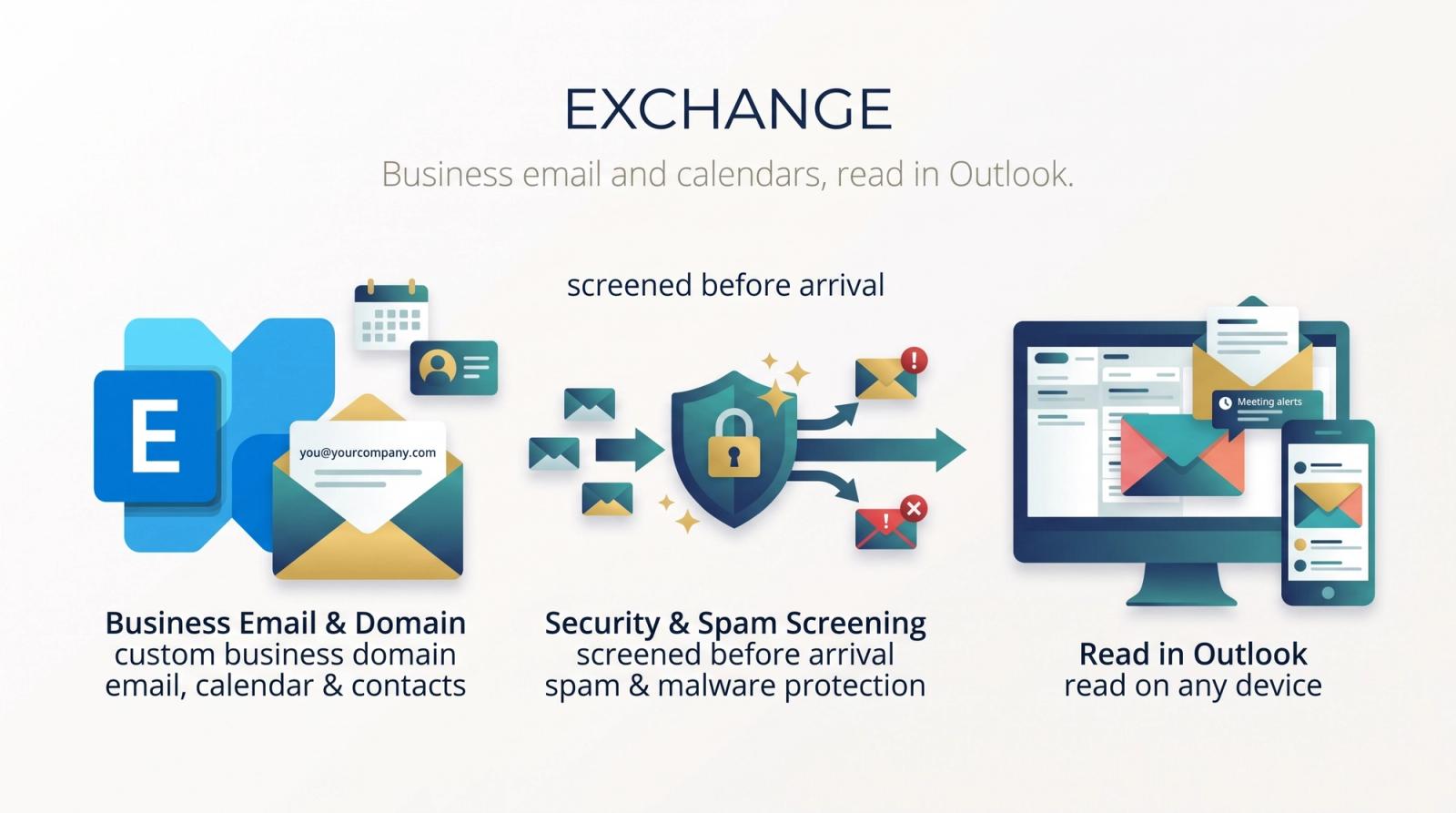
Exchange
Business email and calendars, read in Outlook.
Exchange runs your company email, calendars and contacts on your own domain, read in Outlook on any device. Mail is screened for spam and harmful attachments before it arrives.
What you can do
- Email on your own domain
- Shared calendars and mailboxes
- Spam and malware filtering
Why it helps
- No email server to run yourself
- See colleagues' free time when booking meetings
- Mail that works the same on laptop and phone
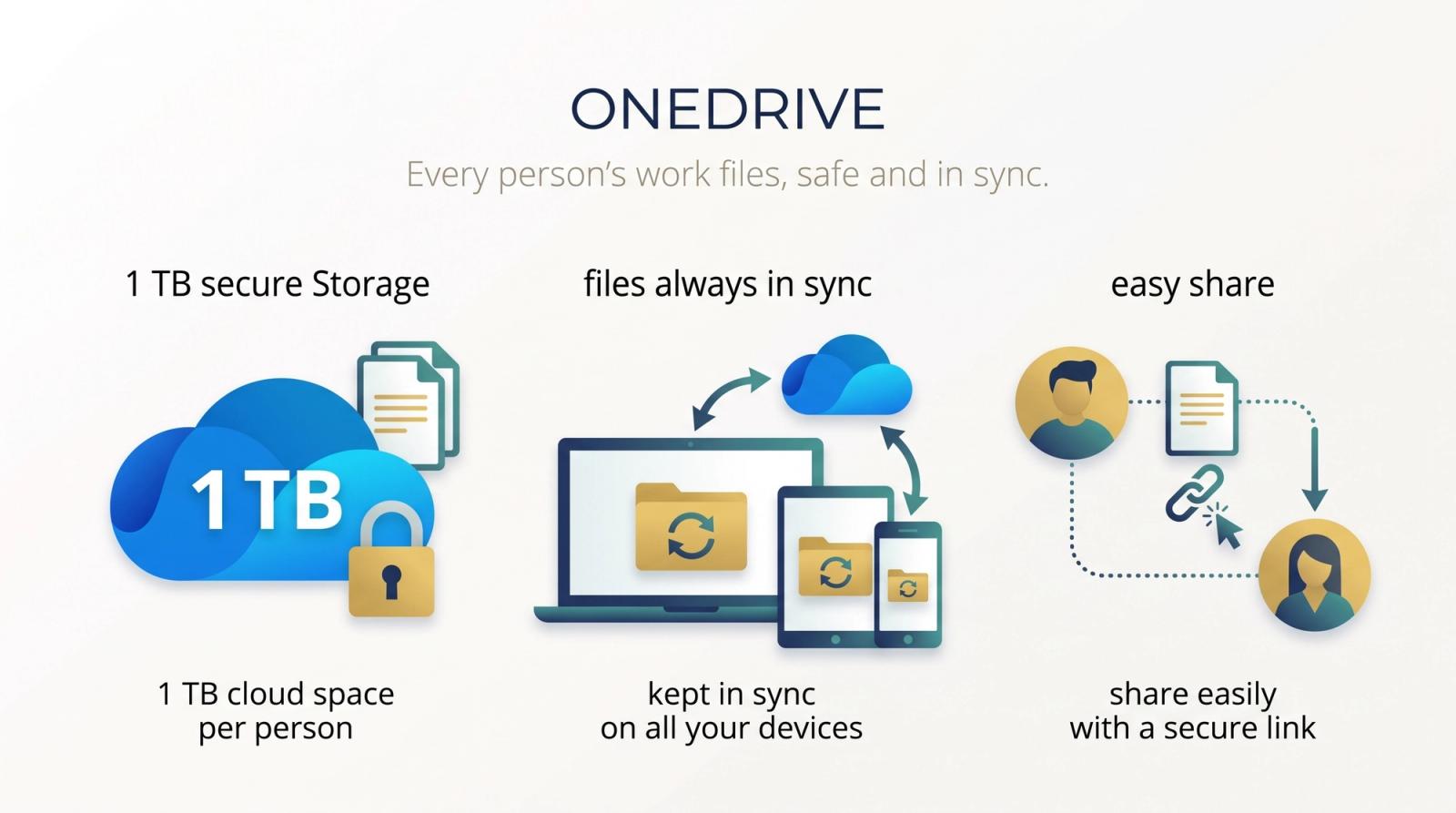
OneDrive
Every person's work files, safe and in sync.
Each person gets 1 TB of cloud storage for their own work files, kept in sync on their computer and phone and easy to share with a link.
What you can do
- 1 TB of storage per person
- Files in sync across devices
- Share a file or folder with a link
Why it helps
- A lost laptop doesn't mean lost work
- Work offline and it syncs later
- No more files that live on one machine only
More to offer.
Beyond the everyday apps, the suite includes tools for security, device management and running the business.
Defender for Business
Protects laptops, desktops and servers against viruses and ransomware, and shows the weak spots to fix.
Defender for Office 365
Checks email, links and attachments for phishing and ransomware before they reach your people.
Intune
Sets up and secures company and personal devices, and keeps company data apart from personal data on them.
Purview
Labels sensitive information and helps stop it being shared where it shouldn't be.
Planner
Plan work, assign tasks and see who is doing what, and by when.
Bookings
Let customers book appointments with your team online, with reminders sent for you.
Forms
Quick surveys, quizzes and sign-up forms, with the answers collected for you.
Loop
Shared lists, tables and notes that stay up to date wherever they are pasted.
Clipchamp
Simple video editing for training videos, announcements and social posts.
Work has moved to the cloud.
The office, the laptop at home and the phone in a pocket now share the same files and apps. The tools that used to live on one computer or one server follow people wherever they work.
Work happens anywhere
People move between the office, home and the road in a single day. Their files and apps need to move with them.
Security follows the person
With people working outside the office, protection has to sit with each account and device, not only at the office door.
Always up to date
Apps on a subscription update themselves, so no one is left on an old or unpatched version.
AI in everyday apps
Assistants that draft, summarise and analyse are arriving in the apps people already use. A tidy, secure setup is what lets them work well.
Is it right for you?
If any of these sound familiar, Microsoft 365 can help. Tell us how your team works today and we will show you where to start.
Start from the problem
Everyone has a different version of Office
Word, Excel & PowerPointMeetings, chats and calls are spread across different apps
TeamsWe email files back and forth and lose track of versions
SharePointStaff use the same password for everything
Entra IDOur email runs on an old server or free accounts
ExchangeWork files live on individual laptops
OneDrive
Bring these answers to the first call
Rough answers are fine. They help us plan the move around how your team works.
- How many people need an account, and how many work away from the office?
- What do you use for email, files and meetings today?
- Do staff use their own phones or laptops for work?
- Do you already pay for any Microsoft licences? Which ones?
- Are there rules about where your data must be kept?
- Who looks after your IT today: someone in-house or an outside provider?
Ready to bring your team onto Microsoft 365?
Tell us how your team works today. We will plan the move and set everything up.