
Business Automation
One clear picture of the whole business.
Power BI brings the data from Business Central, Excel, Power Apps and the web into one model, then turns it into reports anyone can explore, from the total down to the document line. It is cheap to start with, and it grows with you.
From scattered data to clear answers.
Each part does one job: bring the data together, show it, let people explore it and keep it secure.
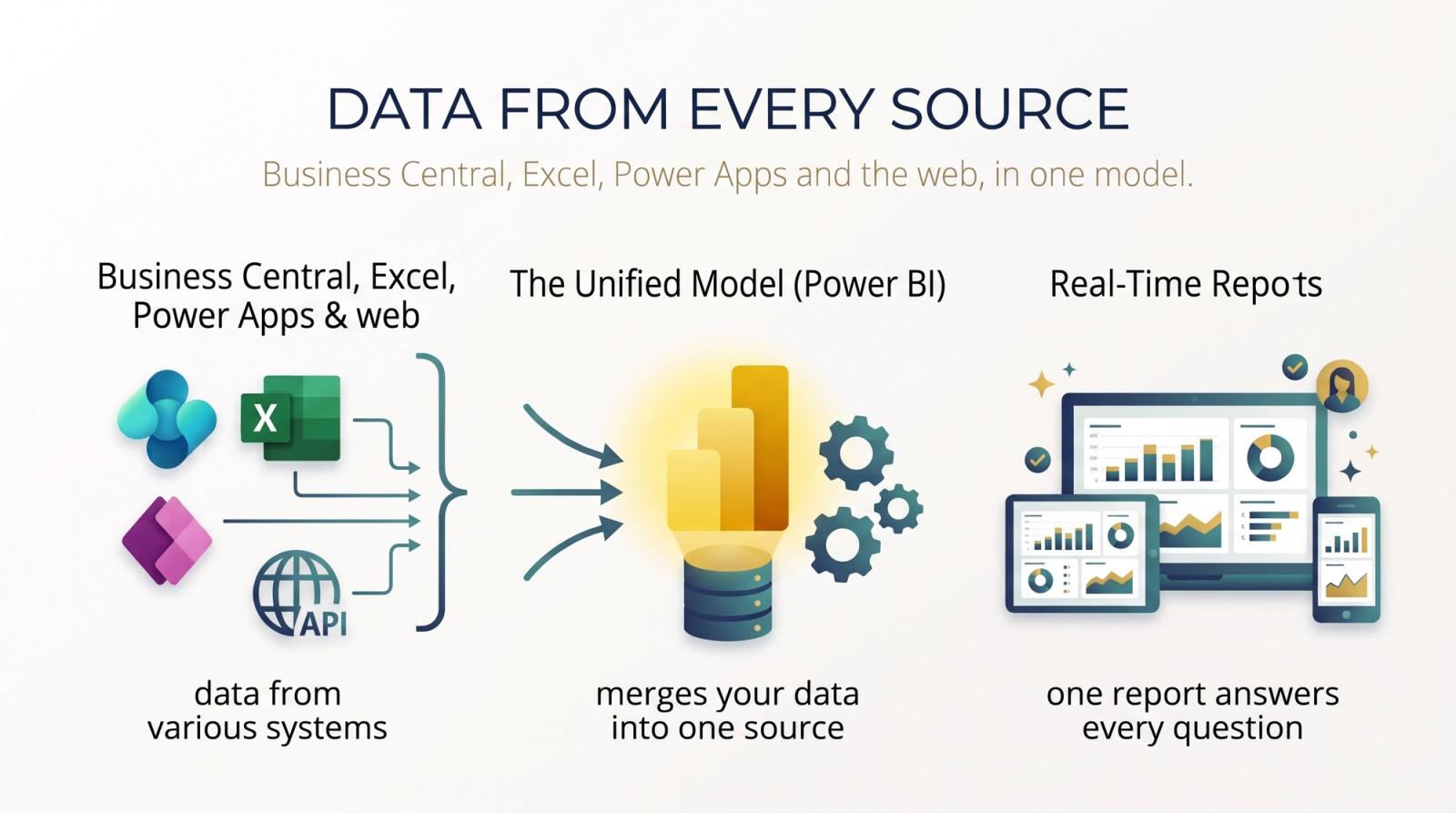
Data from every source
Business Central, Excel, Power Apps and the web, in one model.
Power BI connects to the systems you already run and joins their data into one model. A report inside one system only sees that system, and even its own tables can be hard to combine. We have built reports on Business Central, Power Apps, Excel files kept in Teams and SharePoint, and open web APIs such as weather data.
What you can do
- Business Central and Dataverse (Power Apps, Dynamics 365)
- Excel files from SharePoint, OneDrive and Teams
- Open web APIs, such as weather data
- Refreshed on a schedule, so reports stay current
Why it helps
- Sales set against the weather, the season or the region
- One report across several companies or systems
- No more copying exports into one spreadsheet
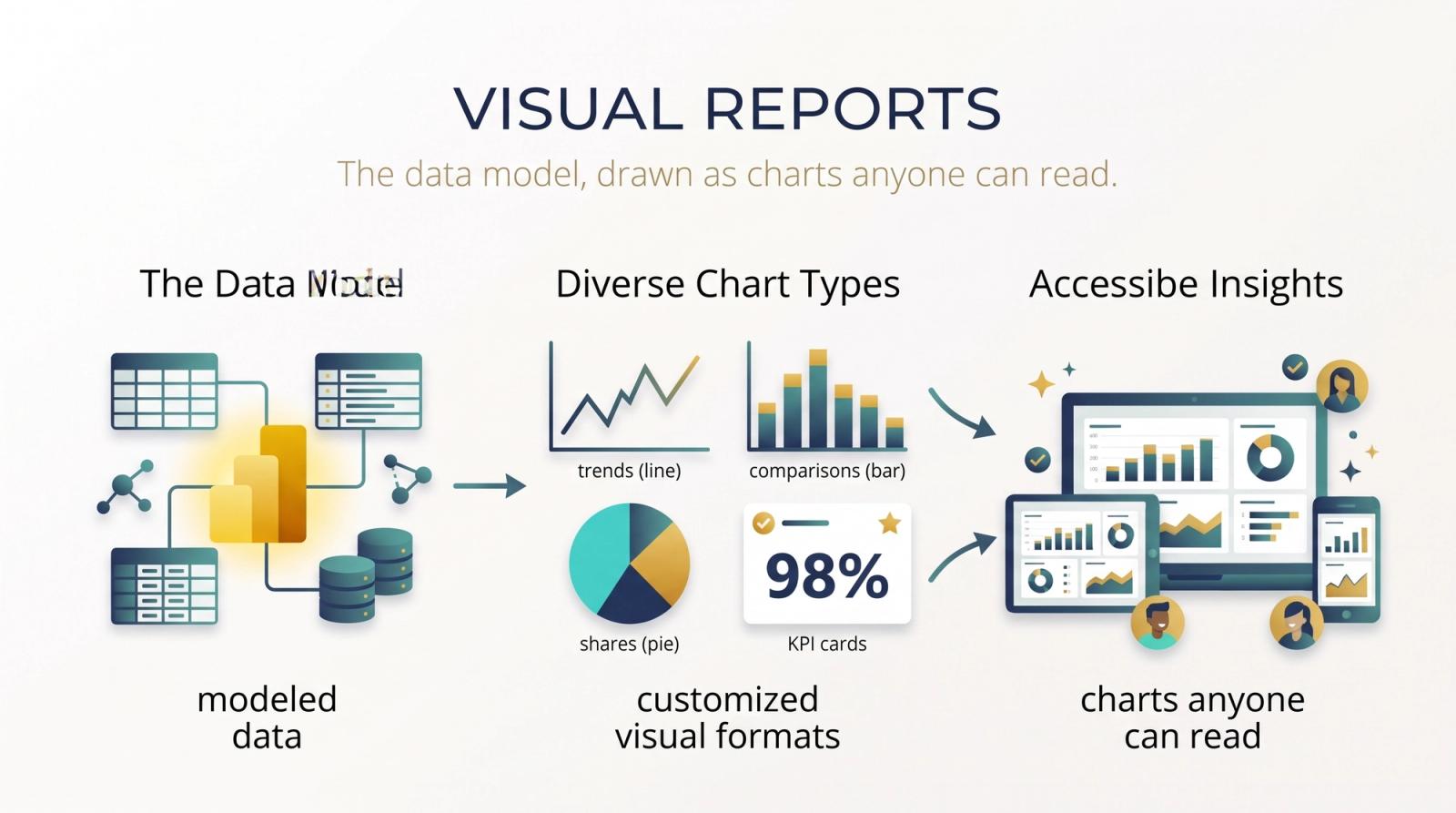
Visual reports
The data model, drawn as charts anyone can read.
Once the data is modelled, every measure can be shown the way it reads best: a line for a trend, bars to compare, a pie for shares, and a KPI card for the one number that matters today.
What you can do
- Bar, line and pie charts
- KPI cards for headline numbers
- Tables and matrices for the detail
- Your colours and layout across every report
Why it helps
- Board packs built once, refreshed for every meeting
- Targets and actuals on one page
- Reports people actually open
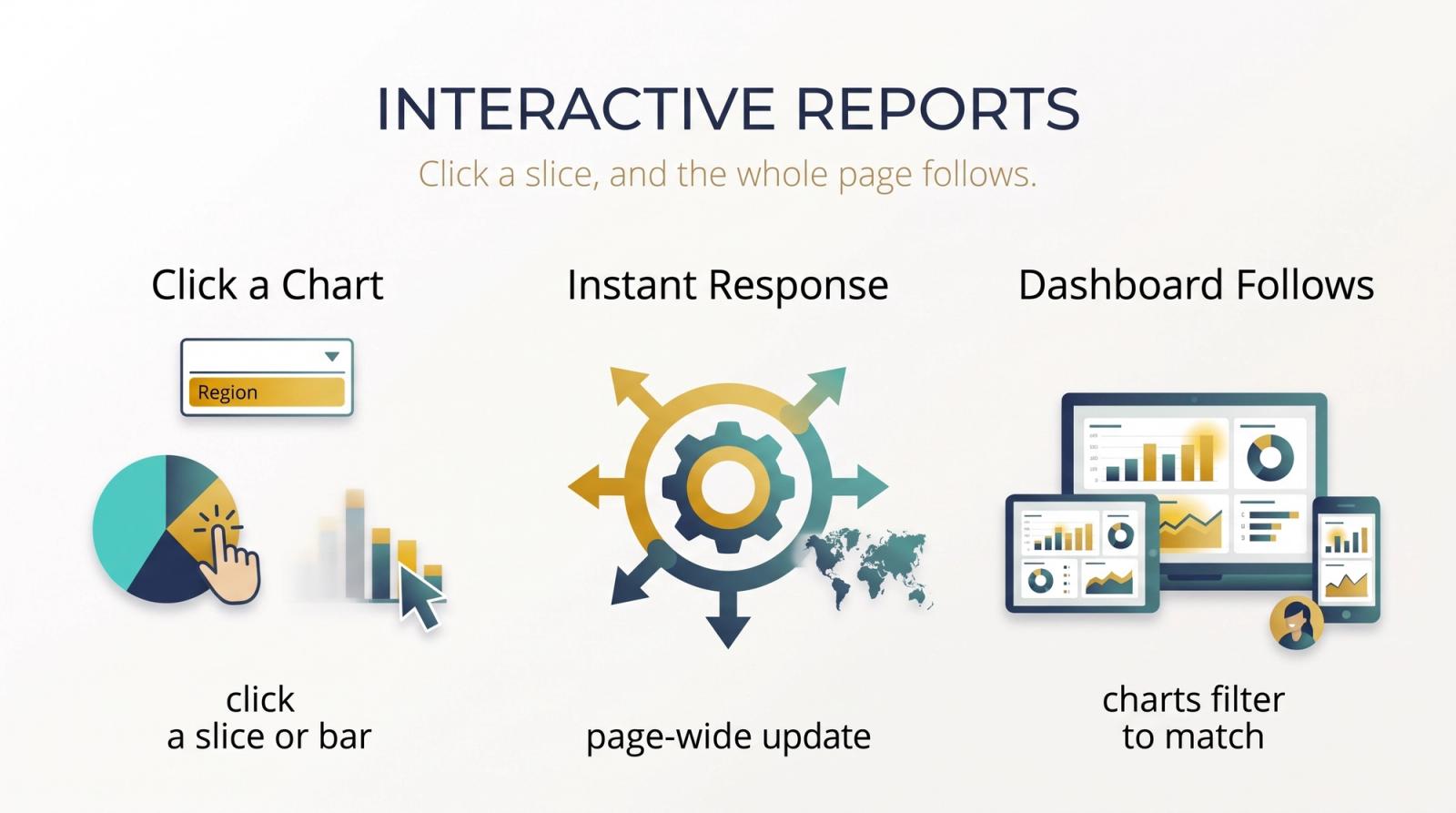
Interactive reports
Click a slice, and the whole page follows.
Reports aren't static pictures. Choose a region in a slicer, or click a bar or a slice of a pie, and the other charts on the page filter or highlight to match, so one question leads straight to the next.
What you can do
- Slicers and a filters pane
- Click any chart to filter or highlight the others
- Explore without changing the report for anyone else
Why it helps
- Answers in a click, not a new report request
- Managers explore their own area
- Patterns you only see side by side
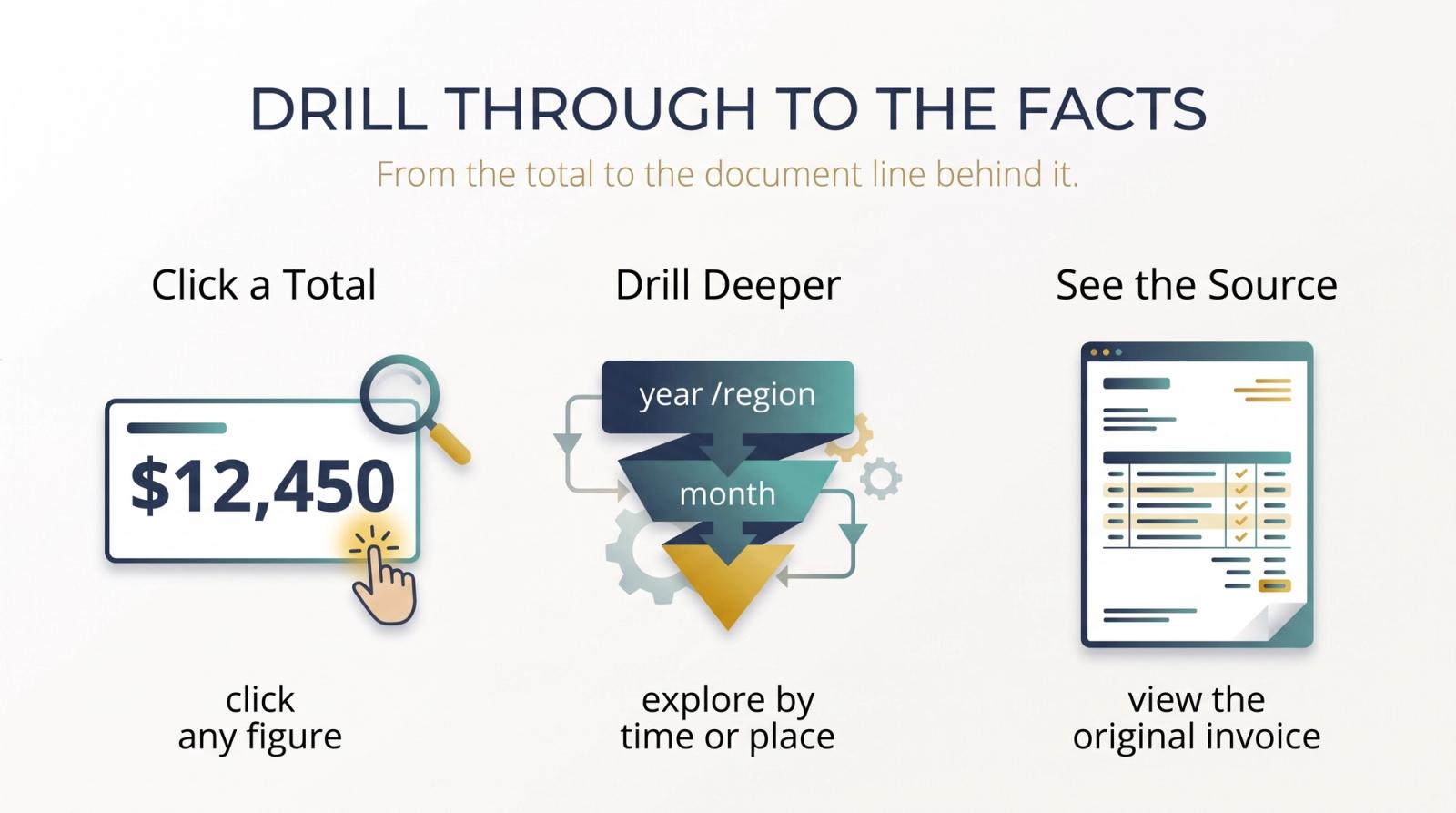
Drill through to the facts
From the total to the document line behind it.
Every number can be followed to its source. Drill down from a year to a month or a region to a branch, or drill through from a total sales figure to the invoices and document lines that make it up.
What you can do
- Drill down through dates, regions and product groups
- Drill through to a detail page for what you clicked
- The document lines behind any total
Why it helps
- A surprising number explained on the spot
- Auditors shown the source, not a summary
- Figures people trust, because anyone can check them
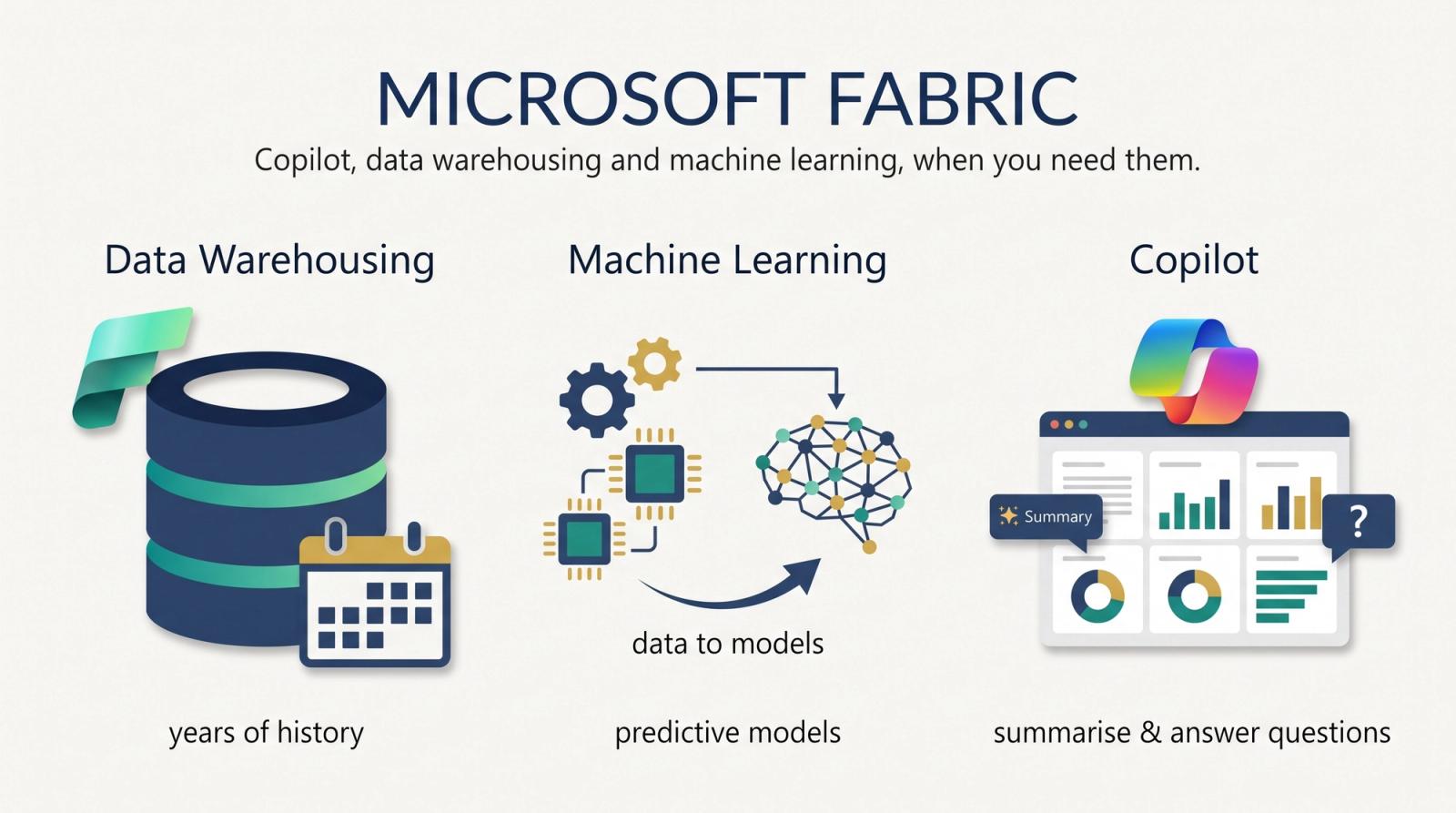
Microsoft Fabric
Copilot, data warehousing and machine learning, when you need them.
Fabric is the step up for larger businesses: a capacity that adds a data warehouse for years of history, data science tools to build machine-learning models from your own data, and Copilot to summarise a report and answer questions about it.
What you can do
- Copilot in Power BI, on a paid Fabric capacity (F2 and up)
- Data warehouse and lakehouse for large volumes
- Data science and machine learning
- From F64, free licences can view shared reports
Why it helps
- Years of history analysed in one place
- Forecasts built on your own data
- Company-wide reports without a paid licence per viewer (F64 and up)
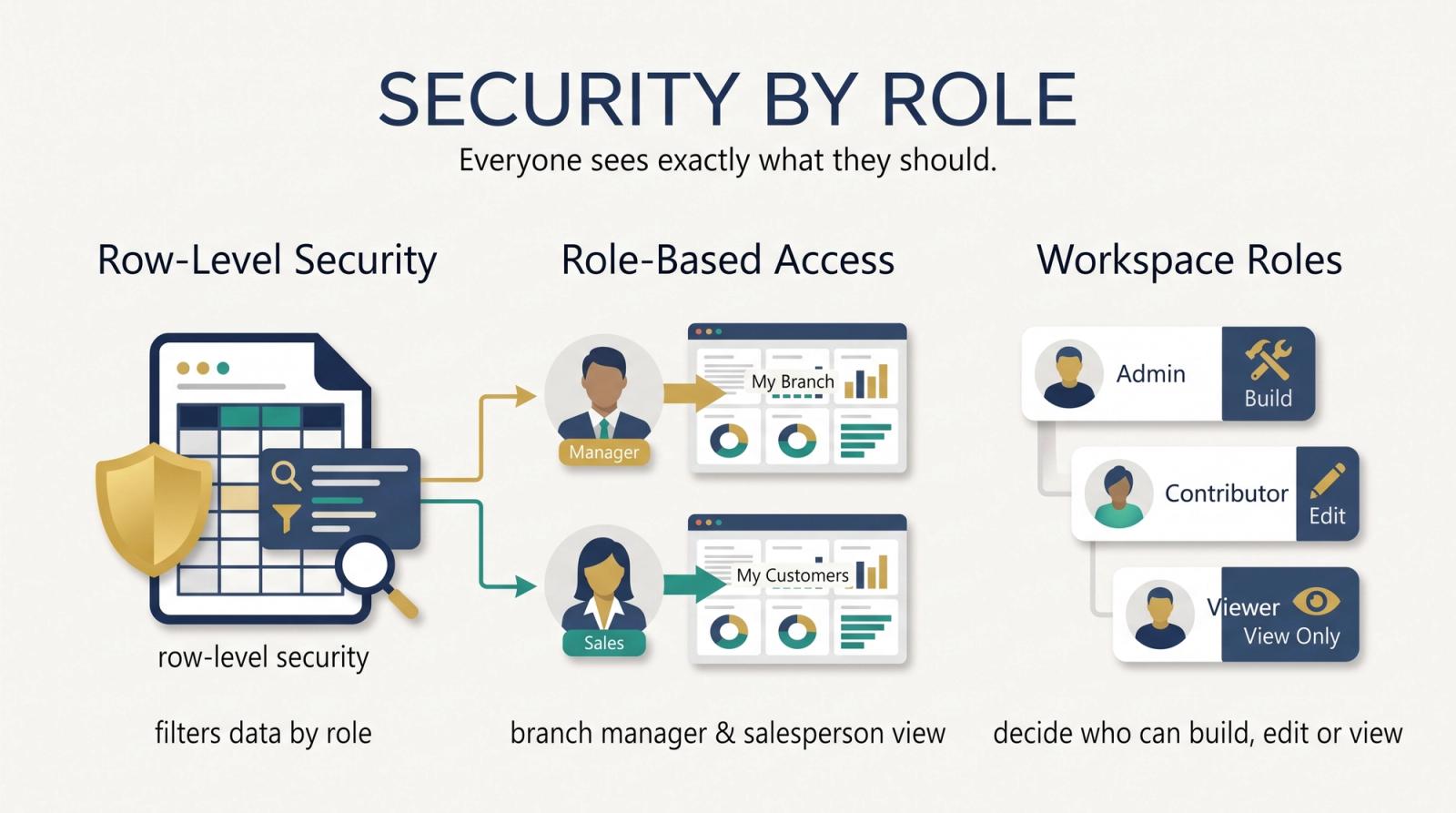
Security by role
Everyone sees exactly what they should.
Row-level security filters a report's data by role for the people viewing it, so a branch manager sees their branch and a salesperson their own customers, from the same report. Workspace roles decide who can build, edit or only view.
What you can do
- Row-level security: each role sees only its own rows
- Workspace roles for building, editing and viewing
- Sign-in with your Microsoft 365 accounts
Why it helps
- One report for every branch, not one per branch
- Margins and salaries kept to those who need them
- Access managed in one place as people change roles
More to offer.
Beyond the reports themselves, Power BI meets people where they already work.
Mobile apps
Reports and dashboards on iPhone, iPad and Android, laid out for small screens.
Power BI Desktop
The free Windows app where reports are built before they are shared.
Microsoft Teams
Reports added as tabs in Teams channels and chats, where the team already talks.
Analyze in Excel
The same data model in Excel PivotTables, for the people who live in spreadsheets.
Subscriptions and alerts
Reports emailed on a schedule, and an alert when a dashboard card or gauge crosses a threshold.
Apps for each team
Reports bundled into an app for a team or the whole company, each seeing their own set.
Start small. Grow without starting over.
Power BI is cheap to start with: reports are built in a free app, and a licence per person shares them. As the business grows, the same reports move up to the tier that fits, so nothing is rebuilt.
Your business has data
Sales, stock, finances and customers, spread across systems and spreadsheets.
Power BI brings it together
One model and one set of reports, refreshed on schedule, for everyone who needs them.
You see the pain points and the strong points
Slow stock, late payers and the best customers stand out, where before they were hidden in exports.
You act on them
Fix what holds the business back and build on what works, with the numbers behind each decision.
The business grows
More data, more people, more questions. The loop starts again, on a tier sized for where you are now.
From the smallest business to the biggest enterprise
Power BI
Reports built in the free Desktop app and shared with a Pro licence per person. The place to start.
Dataverse
For businesses running on Power Apps and Dynamics 365: one secure store for business data that Power BI reports on directly, with storage added as you grow.
Fabric
A capacity for the enterprise: data warehousing, machine learning and Copilot, sized from F2 upwards, with free viewing from F64.
Is it right for you?
If any of these sound familiar, Power BI can help. Tell us where your data lives and we will show you where to start.
Start from the problem
Our data sits in separate systems that don't talk to each other
Data from every sourceMonthly reports are spreadsheets copied together by hand
Visual reportsEvery new question means asking for a new report
Interactive reportsNo one can explain where a number comes from
Drill through to the factsWe want forecasts and AI, not just reports
Microsoft FabricDifferent people should see different numbers
Security by role
Bring these answers to the first call
Rough answers are fine. They help us see where your data lives and which reports to build first.
- Which systems hold your data today: Business Central, Excel, Power Apps or others?
- Which reports do you put together by hand now, and how often?
- How many people would build reports, and how many would only read them?
- Do different people need to see different data, such as by branch or role?
- Would you use outside data, such as weather or market prices?
- Do you already have Microsoft 365, Power BI or Fabric licences?
Ready to see the whole picture?
Tell us where your data lives today. We will show you the first reports we would build and the tier to start on.